

Writers-Copilot
5


97 votes

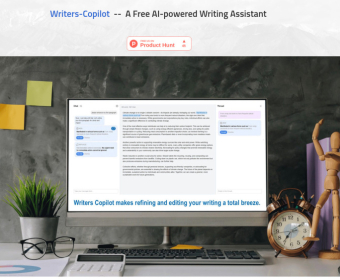
Writers-Copilot is a free, browser-based AI writing assistant built to make editing feel clear, controlled, and collaborative. Instead of replacing your draft, it focuses on giving targeted feedback and concrete revisions you can evaluate one by one. You paste your text into the main editor, then use the built-in chat to request improvements—such as tightening sentences, improving clarity, adjusting tone, fixing grammar, or rewriting a specific paragraph.
A key part of the experience is its preview-first workflow. Suggested edits appear as highlighted (light blue) segments, and you can hover over each one to instantly preview how the revision would read in your text before committing to it. This makes it easy to compare options, avoid unwanted changes, and keep your original voice.
Writers-Copilot also supports threaded side conversations so feedback stays organized. For any suggested change (or any highlighted section of your draft), you can open a dedicated chat thread in the side panel and discuss that exact passage—ask why a change was made, request alternatives, or refine the rewrite without losing the context of the rest of your document.
No registration is required: click “Use it now” to launch the app, paste your content, and start editing immediately. You can also set custom instructions through the settings (gear icon), such as a word limit, preferred style, audience, or formatting rules, so the assistant remembers your requirements while it revises. more


Comments